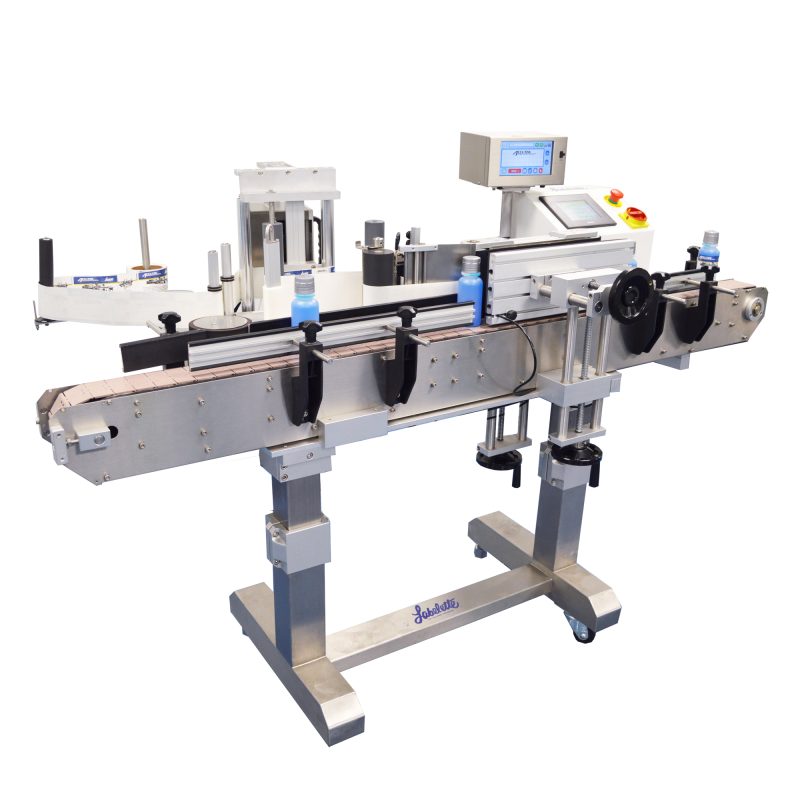
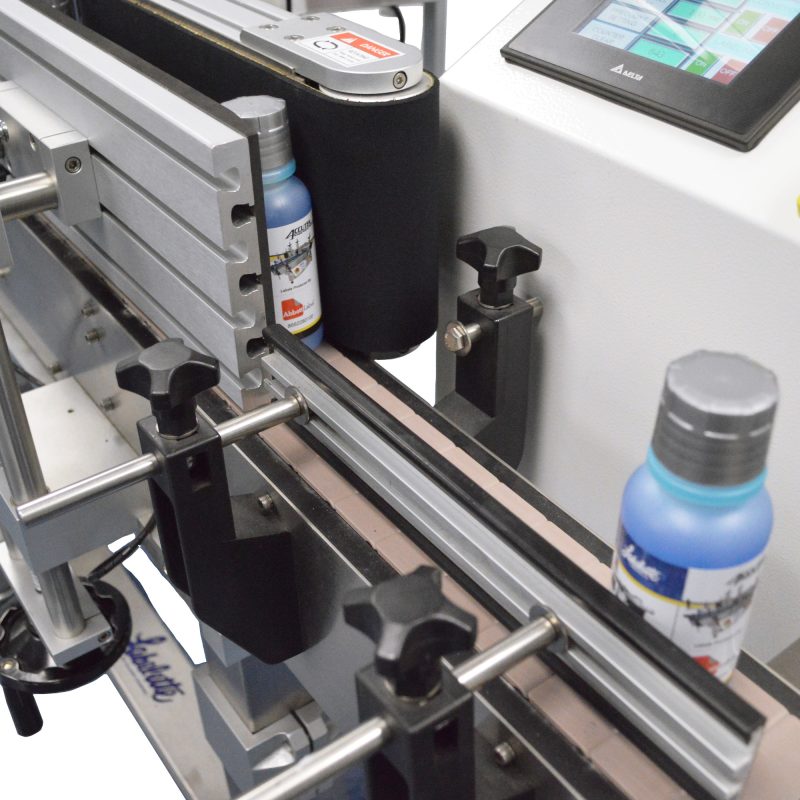
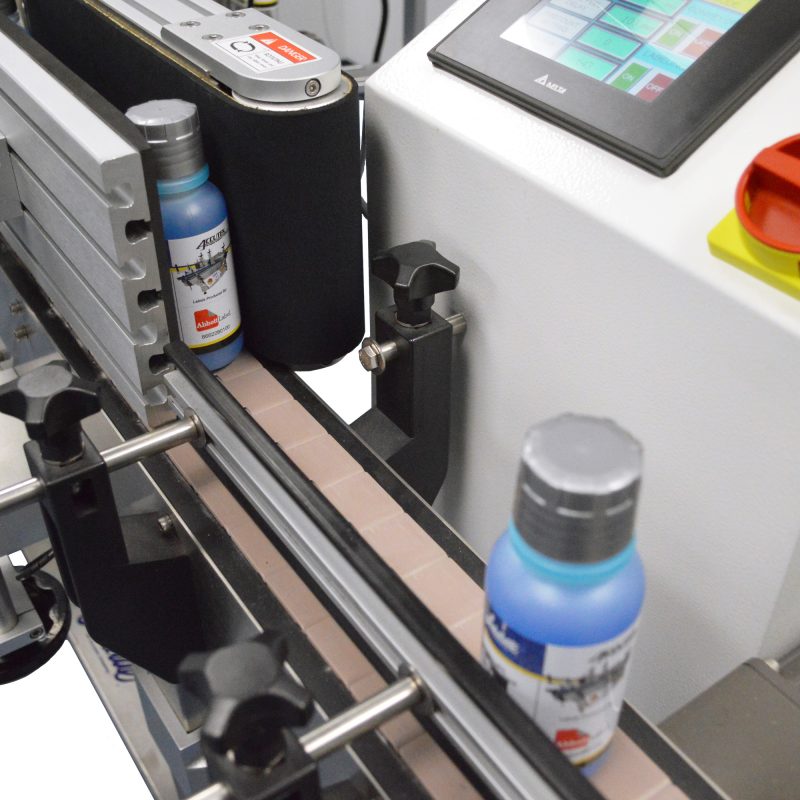
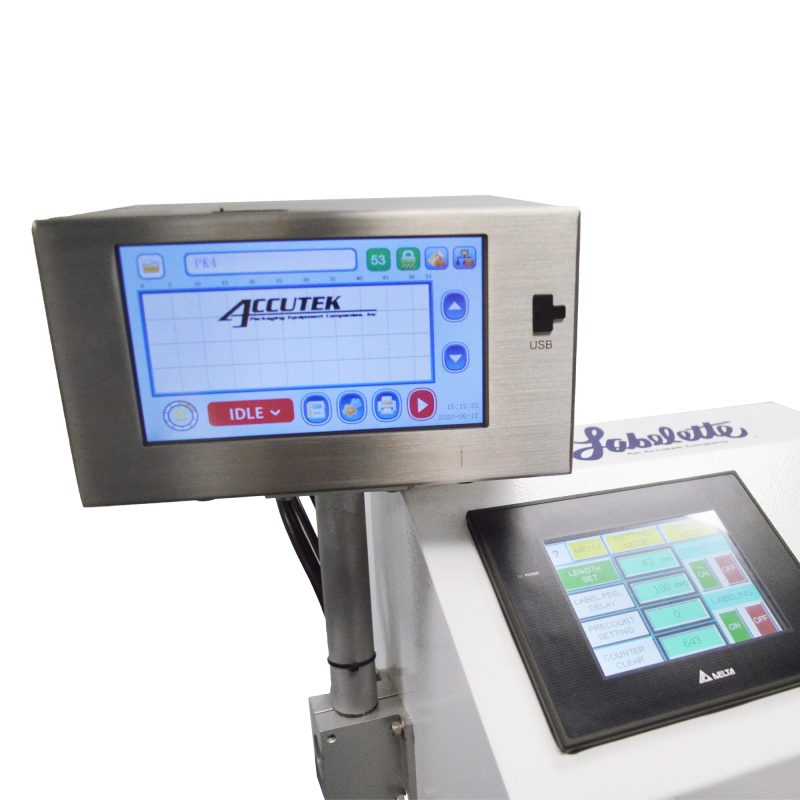
AccuMark TTO Series

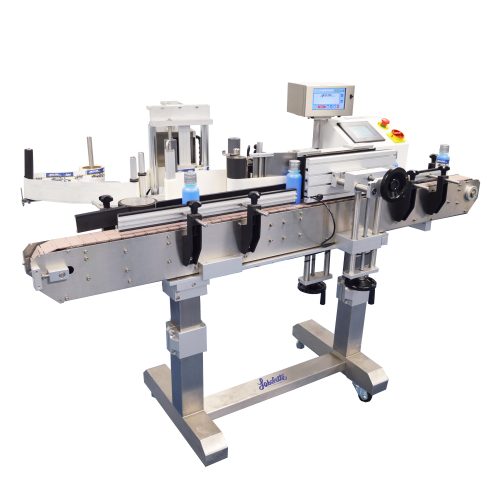
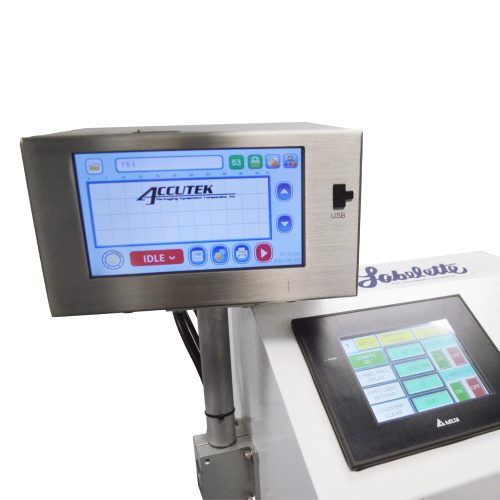
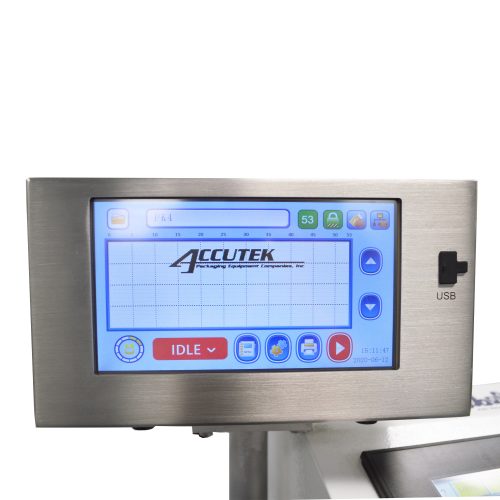
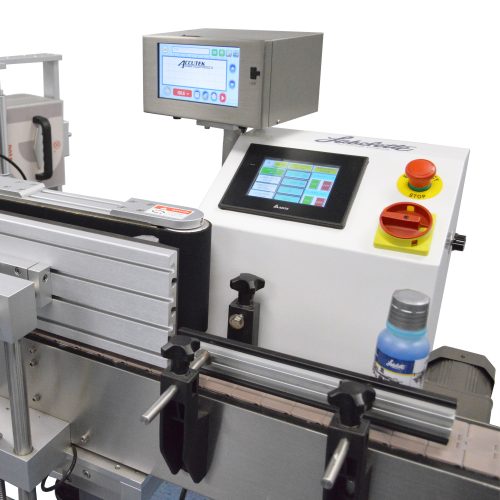
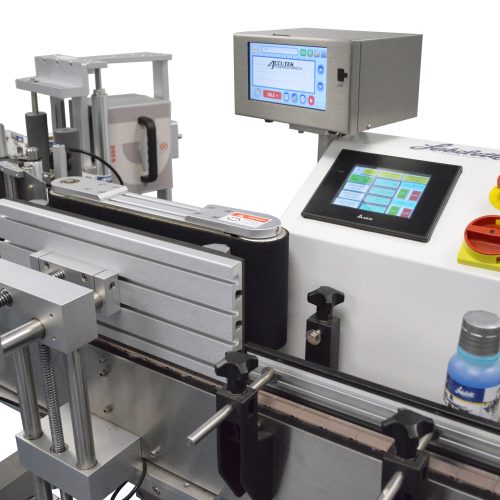
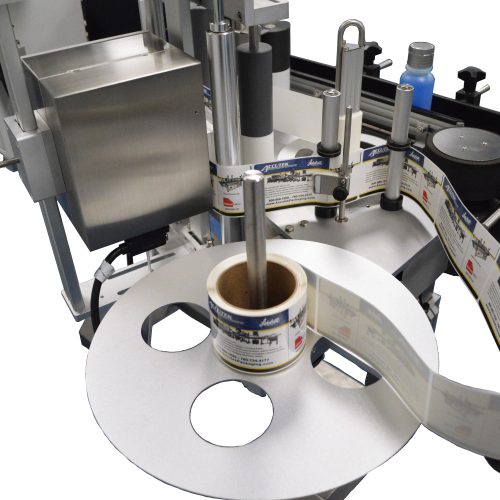
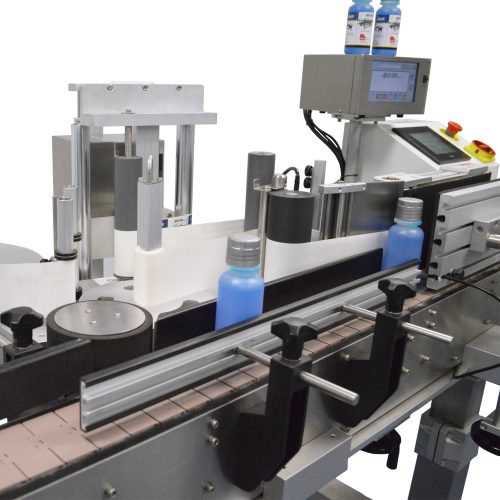
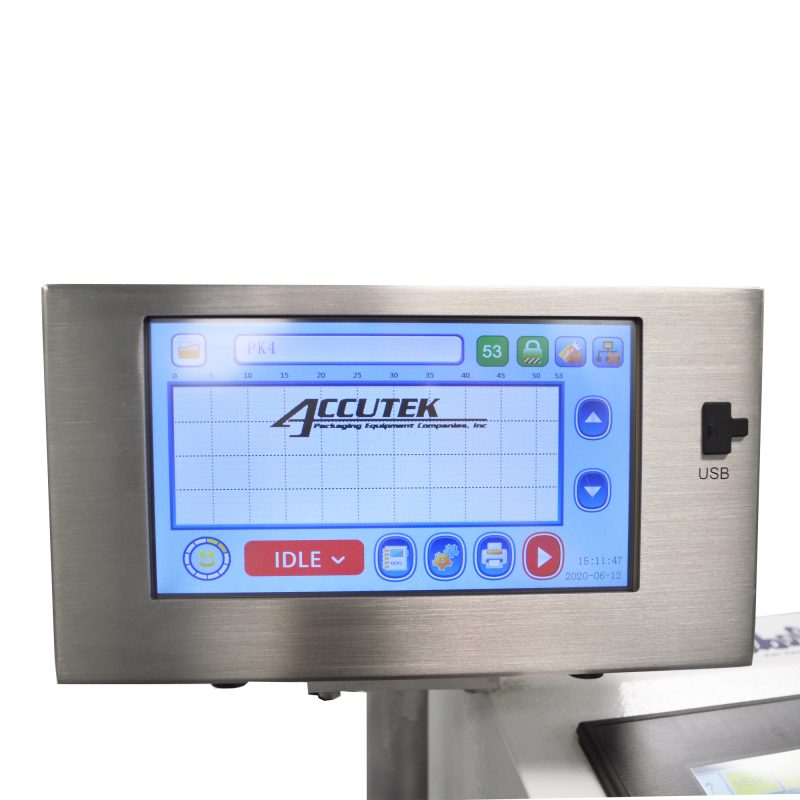
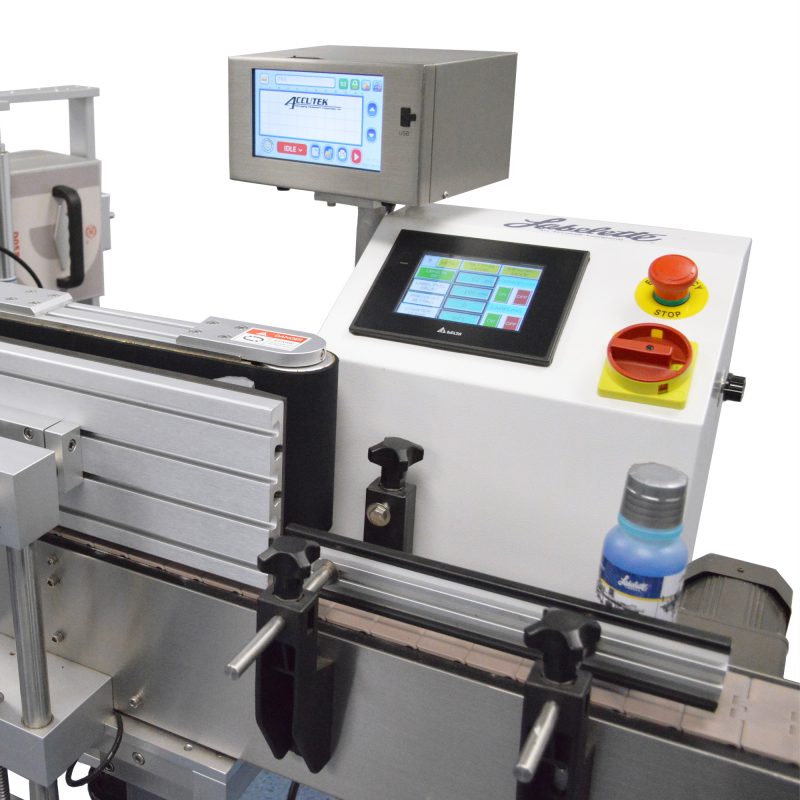
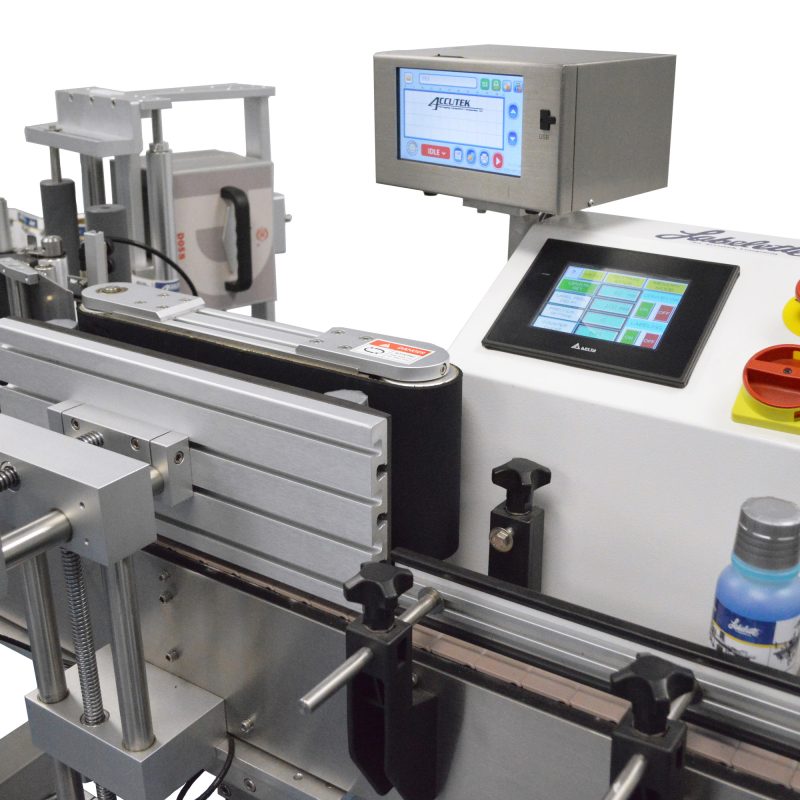
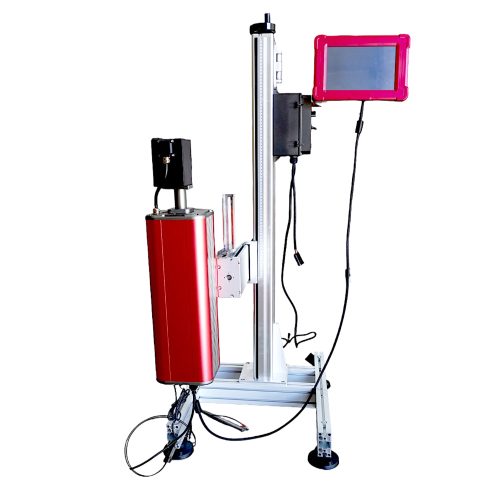
Accutek’s AccuMark TTO Series Coders are smart Thermal Transfer Overprinters. They can print everything from simple date codes and batch codes to logos, product descriptions, ingredient lists, nutritional panels, and fully compliant barcodes.

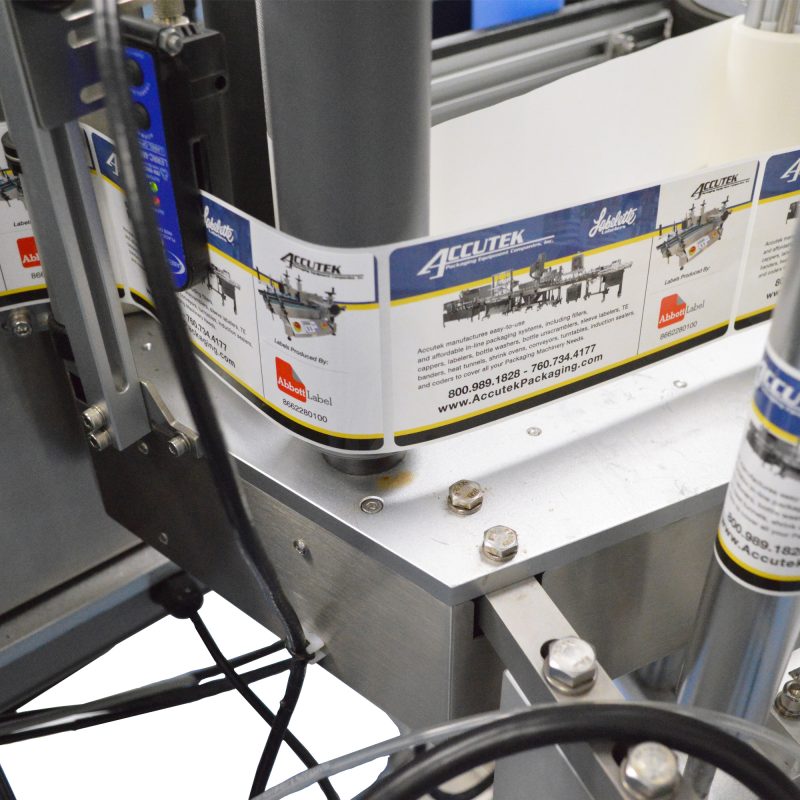
Thermal Transfer Overprinters use high-resolution thermal printheads to print crisp, clear date codes, lot numbers, bar codes, text, and graphics onto flexible packaging films and labels.

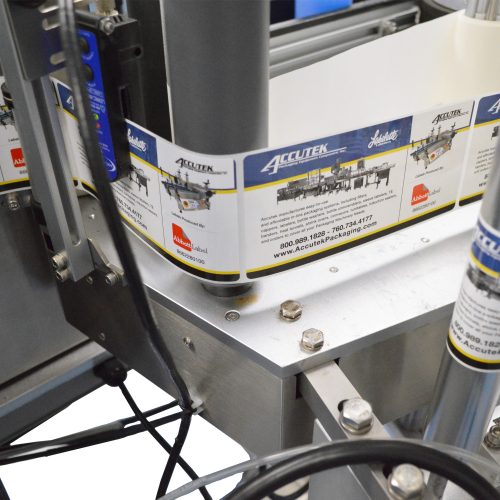
The TTO transfers ink on a ribbon onto various substrates, including label stock, plastic films, flat packaging, plastic, and foil. The printheads are in direct contact with the substrate, which provides better-quality text, graphics, and barcodes.

A thermal transfer printer is also the best option for those who need to print high-density codes and labels with longevity on fast-moving production lines.

Contact Accutek today to learn more about this machine.

Are the touchscreen controls easy to use?

The touchscreen controls are easy to use. They are also quite in-depth, and we highly recommend reading through the entire manual before you get started. That way, you can start production cycles with confidence.

How often should I clean the machine?

We recommend regularly cleaning and maintaining the printer. You’ll need to remove the printer cassette to clean the printer body, but be careful not to damage the electronic components. You’ll need to use non-water-based cleaning methods to clean the body. The manual will go over in more detail on cleaning the printer and caring for the printhead.

What should I do to maintain the printer?

We recommend performing daily and monthly checks on the printer to make sure it’s in good working order. The manual will provide an in-depth breakdown of what to look for during these checks.

What should I do if my printer breaks?

If your printer experiences a problem, then we recommend consulting the manual’s troubleshooting section. It provides a list of problems you may encounter when using your printer, the potential causes, and how to solve them. If the problem persists or it’s outside the scope of the manual’s troubleshooting section, contact Accutek’s service department. We’ll be happy to help you sort through the problem and get your production process started back up again.
  • Printing head: 24 mm, 200 dpi
  • Print area: Intermittent mode is 24mm x 15mm (width x length)
  • Maximum ribbon length: 350 mm
  • Ribbon width: 25mm; <1in
  • Print speed: ≤ 20m/min; 65.6ft/min
  • Printing frequency: ≤200 times/min (intermittent)
  • Specific function: Printing time information, date information, counter, fixed text, variable text
  • Communication interface: USB interface
  • Power Supply: AC90-264 V, 3A, 50/60Hz
  • Power: 75W
  • Operating ambient temperature: 0 ~ 40 ºC; 32-104 ºF
  • Relative humidity: 10% ~ 95% (non-condensing)
  • Weight: 2.1kg print body, 0.48kg control box; 4.6lb print body, 1lb control box
  • Print black on most packaging film
  • Adhesive suitable for high printing requirements

Not sure which machine works best?

Contact Us

Shopping cart